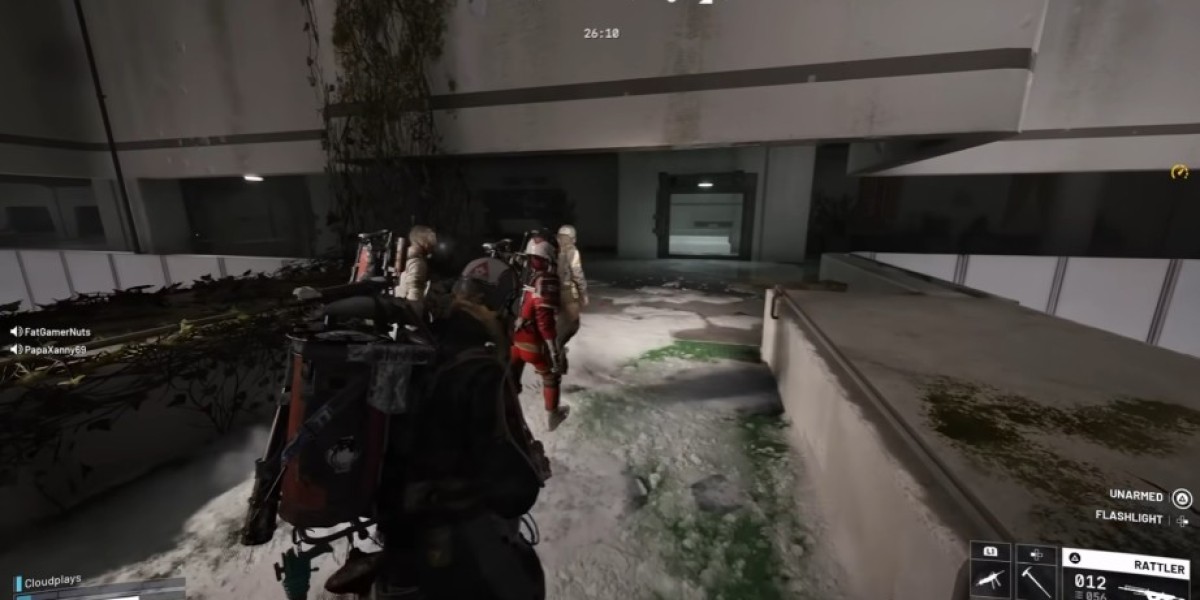

The Riven Tides update (Patch 1.26.0) brought a ton of fresh elements to the brutal PvPvE world of ARC Raiders, but few items have sparked as much psychological warfare as the White Flag. It is a deployable utility item that allows players to signal a truce or surrender over long distances. Instead of relying purely on voice chat or frantic crouch-spamming, you can now literally plant a flag to show your intentions. It is a fascinating addition to the game, serving as a unique tool for authentic diplomatic cooperation or, if you are that kind of player, absolute deception.
If you are wondering how to wrap your head around this new mechanic, here is a breakdown of how to get the blueprint, how the flag functions out in the field, and the best ways to use it during a raid.
How to Get and Craft the White Flag
Before you can start waving the flag of truce, you need to actually track down its blueprint and assemble it back at your base operations.
Finding the Blueprint
To find the blueprint, you will need to head over to the Azzurro Beach area, located at the top-left section of the Riven Tides map. Keep your eyes peeled for breachable containers, lockers, and metal boxes scattered around the sandy shoreline and just south of the old customs house. It might take a few runs depending on your luck, but hitting these specific containers is your best bet to secure the unlock.
Crafting Costs
Once you successfully extract with the blueprint in your inventory, head back to Speranza. Open up your menu, select the blueprint, and choose "Learn and Consume." From there, make your way to Medical Lab I. Fortunately, the crafting costs are incredibly forgiving, making it a very cheap utility item to stock up on:
10x Fabric: Easily sourced by recycling upholstery, clothing, or soft containers found on your usual loot runs.
3x Plastic Parts: Obtained by breaking down standard equipment and junk electronics.
How It Works
It is important to understand that the White Flag is a physical, deployable utility piece, not just a simple character emote or a gesture wheel option. Here is a breakdown of the core mechanics:
Deployment: You equip the flag directly into your hotbar like any other piece of gear. When you want to use it, press your active use button to plant it firmly into the ground or stick it right onto walls and vertical surfaces.
Visual Signaling: Once placed, the flag automatically flaps and waves. It is bright, highly visible, and intentionally designed to catch the eye of opposing squads from across a massive distance.
Single Use: The item is strictly consumable. Placing a flag will use it up, meaning it disappears from your inventory for good upon deployment. If you want to use multiple flags across different encounters, you will need to pack a few of them.
Crucial Note on ARC Behavior: Keep in mind that the AI machines completely ignore the White Flag. Waving it, planting it, or hiding behind it will not stop hostile drones, killers, or bosses from tracking you down and tearing you apart. This tool is strictly for human-to-human interaction.
When to Use It: Strategies & Psychological Tactics
Because the White Flag provides no hard code-based safety mechanics, its effectiveness depends entirely on human psychology. That makes it an incredibly dynamic and risky tool. Here are the three primary ways players are utilizing it right now.
1. Establishing Long-Distance Truces
The most straightforward use is at medium-to-long ranges when you spot an opposing squad but neither side has pulled the trigger yet. Local voice chat and the standard interaction wheel have a pretty short radial range. By dropping a flag early, you offer clear visual confirmation that you want to avoid a shootout. This gives both teams a moment to assess the situation before anyone panics and fires an opening salvo.
2. Baiting and Deception (Ratting)
On the flip side, the developers openly mentioned that the flag is ripe for "conniving" tactics. If you love the sneaky, cutthroat side of extraction shooters, you can plant a flag around sharp corners, tightly enclosed choke points, or right next to high-value loot piles. An approaching squad might spot the flag, assume there is a desperate solo player begging for mercy, and drop their guard. That is when your fully armed trio jumps out of the shadows to wipe them out. It is ruthless, but completely fair game.
3. Comic Relief and Desperate Measures
Sometimes you are just completely outmatched. If your squad is pinned down behind a crumbling wall, fresh out of ammo, and staring down a heavily geared trio, the white flag becomes your ultimate Hail Mary. Tossing a grenade to create a smoke screen, followed by sticking a surrender flag directly on the wall you are hiding behind, creates a hilarious, theatrical moment. Occasionally, an opposing squad will find the sheer comedy of it respectable enough to actually grant you mercy and leave you to extract in peace.
The Serious Risks Involved
Before you fill your inventory with flags, remember the massive trade-offs:
Zero Hard Protection: Unlike passive camp zones or safety modes in casual titles, the White Flag does not magically turn off friendly fire. You are still completely vulnerable.
An Invitation for Easy Kills: Because "fake friendlies" and sneaky rats use the flag to pull off dirty ambushes, many experienced players treat a white flag as an immediate red flag. A large portion of the player base will simply view it as an invitation for an easy, undefended kill and open fire on sight.
Inventory Opportunity Cost: Carrying a stack of flags means sacrificing a crucial hotbar slot. Every slot taken up by a decorative flag is a slot that cannot hold a barricade kit, a stim, or extra offensive utility that could actually save your life when a fight breaks out.
Ultimately, the White Flag is what you make of it. Whether you use it as a genuine tool for cooperation, a hilarious joke in the face of certain death, or a dirty trick to lure in unsuspecting squads, it adds a brilliant layer of unpredictable tension to every raid. Craft a few, drop them in your hotbar, and see how the wasteland responds to your signal.