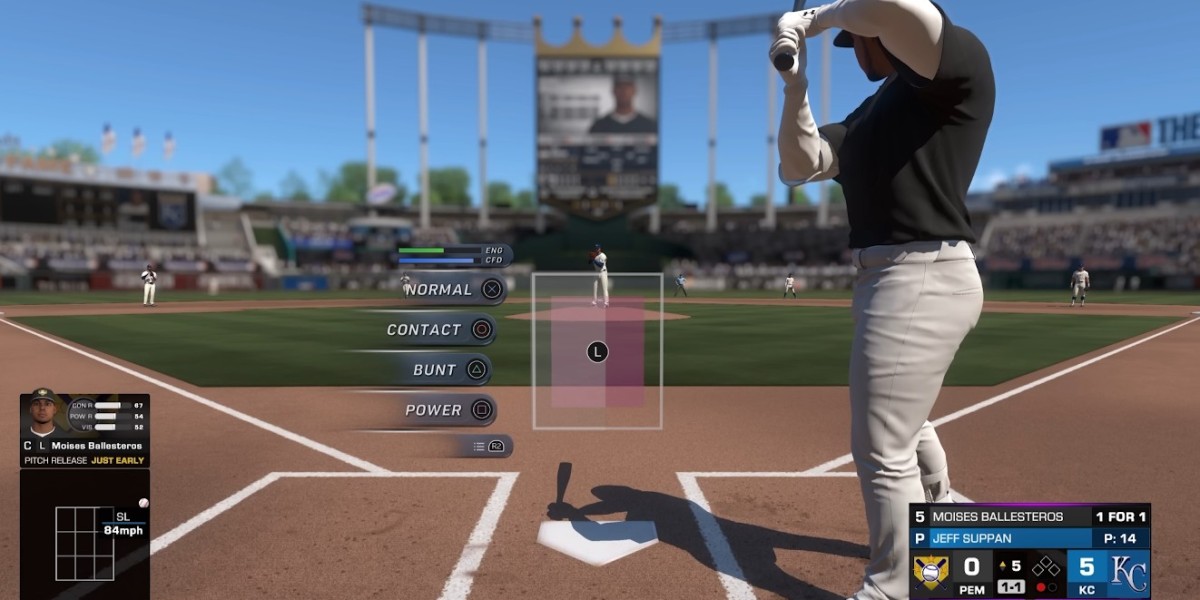

If you're grinding co-op games in MLB The Show 26, getting kicked out mid-match is super frustrating. Many players have reported random disconnections, freezes during pitching changes, or “Challenge Failed” errors. Luckily, most of these issues can be fixed quickly with a few smart tweaks. Here’s a gamer-tested guide.
Immediate Technical Fixes
1. Disable 120Hz Output (PS5)
A major culprit for crashes and disconnects is the 120Hz setting. On PS5, set this to Off:
Settings > Screen and Video > Video Output > Enable 120Hz Output → Off.
This stabilizes frame pacing and prevents the game from attempting unstable refresh rates.
2. Turn Off Variable Refresh Rate (VRR)
VRR can sometimes cause micro-stutters that the game interprets as network lag. Disabling it in your console settings can prevent server desyncs.
3. Disable Cross-Play
Cross-play is fun, but it can introduce latency issues. For smoother co-op sessions, toggle Cross-Play Off in your profile settings so you’re only matched with players on the same platform.
Gameplay Workarounds
1. Avoid Reliever Glitches
Co-op has a known freeze when swapping a starting pitcher for a reliever or closer. Workaround:
- Use another starting pitcher from the bullpen instead of a traditional reliever.
This simple swap often bypasses the freeze entirely.
2. Host Selection Matters
The lobby host can affect stability. Make the player with the most stable wired Ethernet connection the host. Swapping the captain sometimes solves random disconnects.
Network Stability Tips
1. Full Power Cycle
Don’t just put your console in Rest Mode. Completely shut down your console and unplug your router/modem for at least 60 seconds. This clears cache, refreshes your IP, and resolves lingering network issues.
2. Check Server Status
Sometimes the problem isn’t you. Check if San Diego Studio is performing maintenance:
- MLB The Show X (Twitter) for official updates
- DownDetector for real-time reports from other players
Quick Summary
- Turn 120Hz Off and disable VRR on PS5
- Toggle Cross-Play Off for platform-only games
- Swap relievers carefully or use SPs from the bullpen
- Make the most stable connection the lobby host
- Fully power-cycle your console and router
- Always check server status before troubleshooting
These adjustments won’t fix every rare bug, but they handle 90% of the common disconnection issues in co-op. With these in place, your co-op grind should be much smoother.