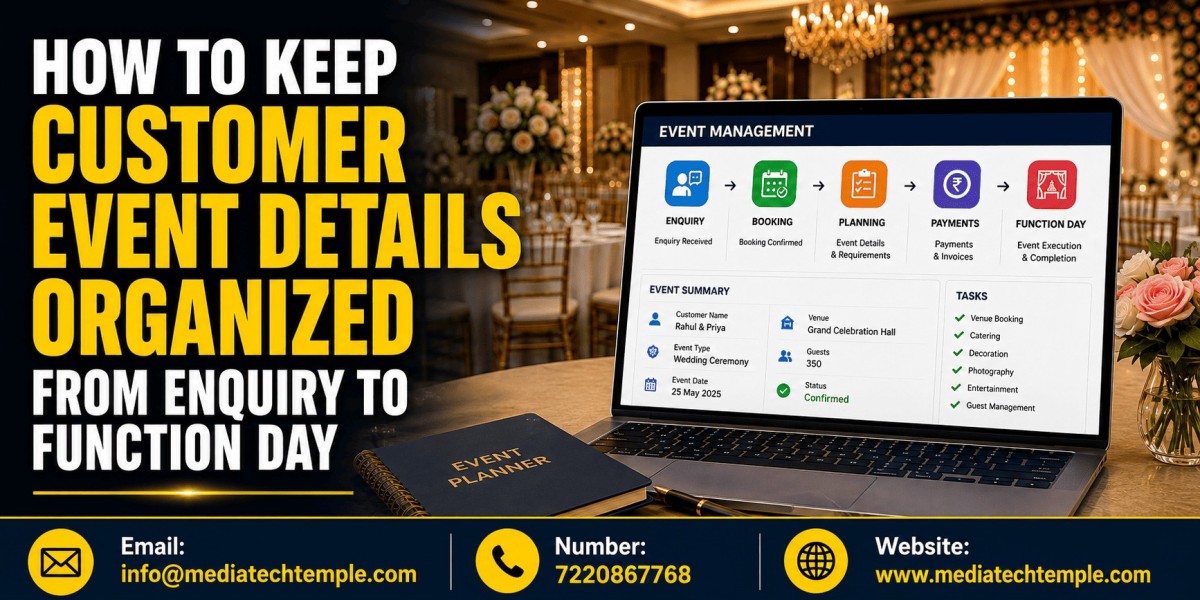

Just imagine what would happen if you got a phone call just before an event and the customer asked you, “Have we confirmed 150 or 180 guests?” Such small errors may create big troubles very quickly during the event day. Event management requires the monitoring of enquiries, bookings, number of guests, menu, payments, timings, decoration, and many other things without any loss of relevant information. Here comes in Banquet Hall Management Software that helps organize all customer details and event details in one single place, thus keeping your whole team up-to-date from the very first enquiry till the actual event.
Why Organized Customer Details Matter
An event like a banquet involves a team consisting of sales, kitchen, service, accounts, and management. The current data about the customer is needed by all. This is one of the purposes of an organized database where there is no need to go through various files and dialogues.
Organized data improves the customer experience because the staff will be able to answer quickly and recall the agreed terms and conditions.
What Customer Information Should You Record?
The collection should start with the very first enquiry. Some pieces of information include:
Customer name, phone number, email
Kind of event, number of guests
Date of the event, function time
Chosen hall or space
Packages and menu preferences
Decoration and equipment needs
Any other needs or dietary requirements
Advance payment and remaining amount due
Information about vendors
Important dialogues with the customer
Correctly organized data about the booking will serve as a reference point throughout the entire event. There are industry recommendations that include collecting the customer contacts, event timings, number of guests, event kind, and basic needs.
How Banquet Hall Management Software Keeps Details Organized
1. Capture Enquiries in One Place
Instead of registering an enquiry in different registers and on different days by different staff members, register the enquiry in the software. They can note the requirements and follow up with the customer easily.
2. Create a Complete Customer Profile
Once there is an enquiry and a customer comes for booking, make a complete file of that particular customer containing all his details and past bookings, if any.
3. Track Booking Status
Make sure that it is specified whether the inquiry is new, in progress, confirmed, canceled, or done. That way, the sales team would know who needs to be contacted and won’t miss any valuable leads.
4. Maintain a Live Event Calendar
With a digital event calendar, the team will have all future functions visible. It can be useful for spotting date clashes, checking availability of the hall for the same dates, or organizing several functions at once.
5. Record Every Change
The number of guests, menu, and date may be changed by the client several times. Do not rely on your memory but always update the booking data when something changes.
6. Connect Payments with the Booking
Ensure that any payments, pending amounts, invoices, and payment statuses are linked with the customer's event booking. It will minimize confusion between the accounts department and the client and facilitate monitoring outstanding payments.
Why Use Software Instead of Registers and Spreadsheets?
It is possible to manage bookings manually with a few events, but this method becomes inefficient when there are more bookings to manage. The information can be duplicated, misplaced, or outdated. Advanced banquet software can incorporate booking management, customer management, payment management, calendars, and communications within one dashboard.
The main benefit of this is one source of truth. There will no longer be such questions as "Which is the right version?" because everything can be checked against the latest booking record.
Tips for Using the Software Effectively
Keep Information Consistent
Define standard fields that have to be filled in each time. Ensure that employees use the same format while filling in names, dates, guest number, and payments.
Update Changes Immediately
Do not wait till the end of the day to enter any changes. If there is a last-minute change regarding the menu or guest number, it has to be entered immediately.
Use Notes for Special Requirements
Make note of any special requests from the customer for the operations team to know about before the function.
Review the Booking Before Function Day
Conduct a last-minute review of the entire event booking record. Confirm the date, timings, number of guests, menu selection, hall arrangement, payments, vendors, and special instructions.
Give Staff the Right Access
All employees do not need access to all kinds of customer information. Use appropriate access control to grant staff members access to customer information necessary for their work.
From Enquiry to Function Day: A Simple Workflow
Here is a simple workflow for you to use:
Inquiries → Customer Record → Availability → Quotation → Booking Confirmation → Payment → Requirements → Event Review → Function Day → Follow-Up
It establishes an effective linkage between the sales process and operations process. Customer information can be passed throughout the booking process without duplication.
Conclusion
The process of managing customer event information becomes quite convenient and easy once all the essential information is available in one place. Whether it is about making the first inquiry or confirming the booking, making payments, knowing the requirements of the guests, changing the menu or preparations for the final event, having an organized system will help your team to remain stress-free from any kind of confusion and costly errors. Banquet Hall Management Software offers banquet halls a more intelligent and modern way of managing customer information, coordinating teams, managing bookings, and ensuring a better experience for everyone.
Ready to organize and make your banquets professional? Get a reliable Software that suits your business requirements and simplifies your entire process.