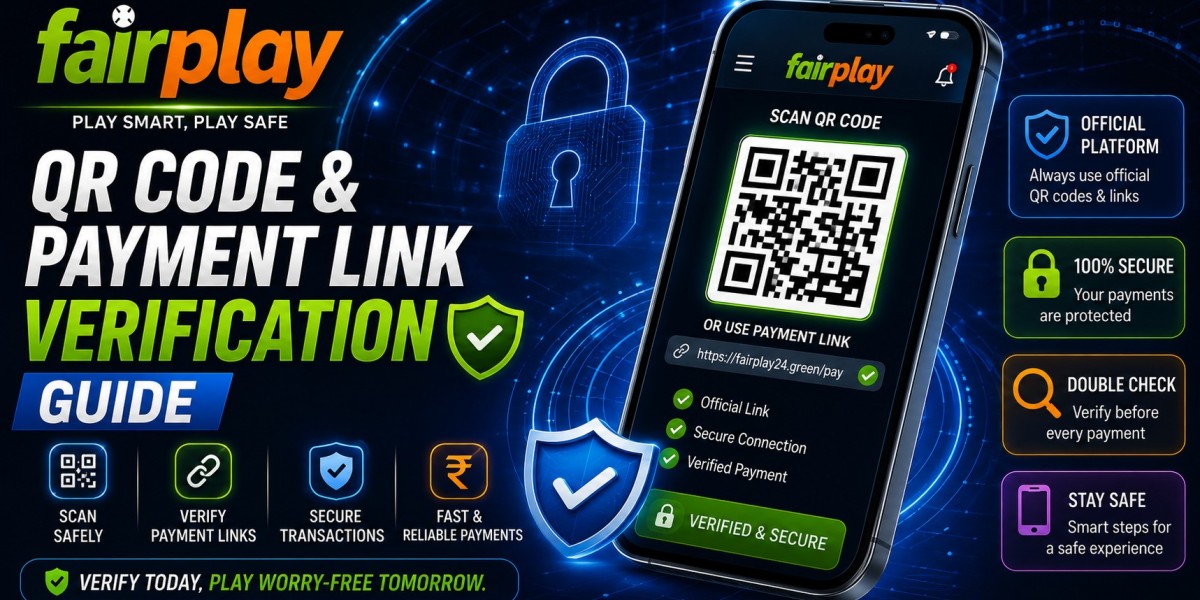

Digital payments are convenient, but a familiar logo or account name does not automatically make a payment request genuine. Before scanning a QR code or opening a payment link, Fairplay24 users should confirm where it came from, check the recipient details, and avoid acting under pressure. A few careful checks can prevent transfers to the wrong account and make transaction records easier to manage.
Why Payment Links Need Verification
A QR code or payment link can direct a user to a UPI application, banking page, or payment screen. The visible message may look professional even when the destination is incorrect. Users should verify the recipient inside the payment application rather than relying only on the image, caption, or profile that shared it.
Warning signs include:
- A payment request from an unknown profile
- A recipient name that does not match the instructions
- Pressure to complete the transfer immediately
- A shortened link with no clear destination
- Requests for an OTP, UPI PIN, or banking password
- Claims that another payment is required to release funds
The official website lists UPI services and direct bank transfers among its supported payment methods. It also directs users to its published WhatsApp and Telegram channels for current payment assistance.
Check Instructions After Fairplay24 Sign-up
After Fairplay24 Sign-up, keep the account reference and verified support route available. Do not rely on a QR code saved from an old conversation because payment instructions or recipient information may change.
Before approving a transfer:
- Open the support channel from the verified website.
- Confirm the current payment method.
- Check the recipient name inside the UPI application.
- Review the amount carefully.
- Save the transaction reference.
- Never disclose the UPI PIN or OTP.
A second Fairplay24 Sign-up account should not be created when a payment instruction looks unclear. Ask verified support to confirm the original account and correct payment route.
Inspect Every Payment Link
Open a payment link only when it comes from a contact reached through the official website. Check the complete address before entering account or banking information. Close the page when the domain is misspelled, the browser shows a warning, or an unexpected file begins downloading.
A normal payment process should not require remote control of the phone. Users should also avoid installing a “payment verification” application sent through an unknown message.
The website advises customers to use official communication channels and never share banking passwords, OTPs, or PINs with another person.
Review Payments Through Fairplay24 in Login
After making one payment, complete Fairplay24 in Login through the verified domain and check the account balance and transaction history. Compare the amount and time with the UPI or bank record.
When the payment provider shows success but the balance has not updated:
- Save the UPI reference or UTR number
- Refresh the account page once
- Avoid scanning the QR code again
- Keep a redacted screenshot
- Contact verified support
For another Fairplay24 in Login attempt, use a trusted bookmark rather than a payment link received through chat.
Protect Your Cricket ID During Payment Support
A Fairplay24 Online Cricket ID should remain under the registered user’s control. Support may need a non-sensitive account reference and transaction ID, but users should not provide the complete password, OTP, UPI PIN, banking password, or card security code.
When reporting a payment-link concern:
- Hide unrelated banking information
- Share only the relevant transaction status
- Refuse screen-sharing requests from unknown people
- Keep a copy of the support conversation
- Change the password after suspected exposure
After the issue is resolved, review the Fairplay24 Online Cricket ID activity and confirm that no duplicate payment was recorded.
Prevent Duplicate Transfers
A delayed confirmation does not always mean that the transaction failed. The bank or payment application may complete the transfer before the account balance refreshes.
Do not immediately scan the same QR code again. First, check whether money was deducted and review the payment status. One transaction reference is easier to investigate than several repeated transfers.
Build a Safer Payment Routine
A responsible Fairplay user should make one transfer at a time, confirm the recipient before approval, and retain the reference number. Essential household funds should remain separate from online entertainment spending.
Fairplay activity should never be based on urgency created by an unknown message, agent, or social media profile. Pause whenever instructions change unexpectedly or the recipient information appears unfamiliar.
Conclusion
QR codes and payment links can be useful, but they should always be checked before money is transferred. Fairplay24 customers can reduce payment mistakes by verifying official contacts, reviewing recipient details, saving transaction references, and avoiding repeated transfers.
Careful verification protects both account access and personal banking information.