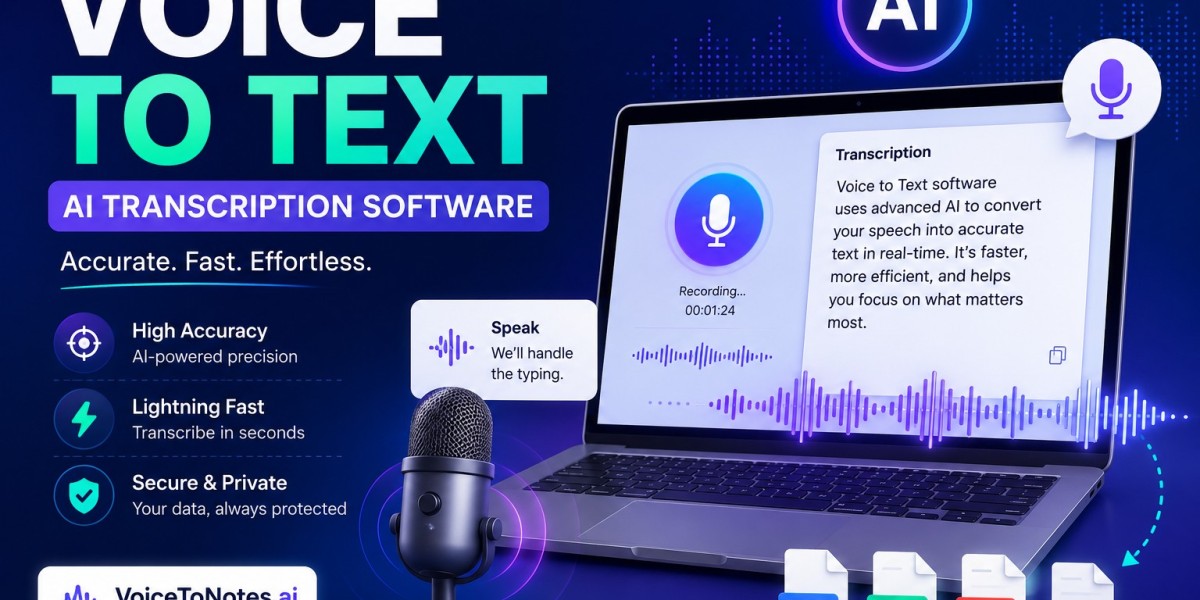

Every business depends on information. Team meetings, client calls, interviews, brainstorming sessions, and training discussions all contain details that matter. The challenge is capturing those details without distracting the people involved.
Writing notes during a conversation often means missing something important. Recording audio is helpful, but replaying long recordings later takes time. This is where Voice to Text Software offers a practical solution.
By converting spoken words into written text, it allows people to focus on the conversation while creating a searchable record that can be reviewed anytime.
What Is Voice to Text Software?
Voice to Text Software uses speech recognition technology to turn spoken language into text automatically. Instead of typing every sentence, users simply speak, and the software creates a written version almost instantly.
This technology is useful for both individuals and businesses because it makes documentation faster and more accurate.
Some common uses include:
- Meeting transcripts
- Interview documentation
- Lecture notes
- Voice dictation
- Brainstorming sessions
- Customer conversations
For example, a human resources manager interviewing job candidates can concentrate on asking questions instead of trying to write everything down.
Why Businesses Are Using Speech-to-Text Tools
Modern workplaces generate a huge amount of information every day. Keeping accurate records manually is difficult, especially when multiple conversations happen at once.
Voice to text technology helps businesses simplify this process.
Faster Note Creation
Most people speak much faster than they type. Instead of spending extra time writing reports after meetings, spoken conversations become editable text within minutes.
Better Attention During Meetings
Employees no longer need to switch constantly between listening and taking notes. They can stay involved in discussions while the software handles documentation.
Easier Knowledge Sharing
Meeting transcripts can be shared with team members who were unavailable, helping everyone stay informed without scheduling another meeting.
Improved Record Keeping
Searchable text is much easier to organize than hours of recorded audio.
How an AI Note Taker Makes Meetings More Productive
Meetings often include decisions, deadlines, and action items that people later struggle to remember.
An AI Note Taker automatically records conversations and generates written notes that teams can review after the meeting.
Imagine a product development meeting involving engineers, designers, and project managers. Instead of asking one employee to write detailed notes, everyone can focus on solving problems while the conversation is documented automatically.
Afterward, team members can quickly review what was discussed instead of relying on memory.
This creates better communication and reduces misunderstandings.
Why a Voice Note App Is Useful Every Day
Not every important idea happens during a scheduled meeting.
Professionals often think of solutions while commuting, walking between appointments, or traveling.
A Voice Note App allows users to capture those ideas immediately by speaking naturally into their phone.
Some practical examples include:
- Recording reminders
- Saving creative ideas
- Capturing customer feedback
- Creating task lists
- Taking research notes
- Logging field observations
Instead of forgetting an idea later, users preserve it the moment it happens.
Supporting Remote Teams with Better Documentation
Remote and hybrid work have become common for businesses of every size. While virtual meetings offer flexibility, they also make note-taking more challenging.
Voice to text tools help solve this problem by automatically creating transcripts that everyone can access after the meeting.
Organizations interested in learning how speech recognition improves workplace documentation often explore resources about Voice to Text Software to understand how modern transcription tools support collaboration across distributed teams while keeping meeting records organized.
This approach helps employees stay aligned regardless of where they work.
What to Consider Before Choosing a Dictation Tool
Every organization has different needs, so choosing the right solution requires careful evaluation.
Here are several factors worth considering.
Accuracy
Clear transcription reduces editing time and produces more reliable records.
Device Compatibility
Many professionals switch between smartphones, laptops, and tablets throughout the day. Cross-device support improves flexibility.
Privacy and Security
Businesses handling confidential information should ensure conversations and transcripts are stored securely.
Editing Features
Even accurate transcripts occasionally need small corrections. Easy editing saves valuable time.
Language Support
Companies with international teams may benefit from software that supports multiple languages.
People searching for the Best Dictation App often discover that the right choice depends on how they work rather than simply choosing the most popular option.
Real-World Applications Across Industries
Voice to text technology supports a wide variety of professions.
Healthcare
Doctors can dictate patient notes immediately after consultations.
Education
Students and teachers can create searchable lecture notes without manual typing.
Journalism
Reporters can quickly convert interviews into editable text for article preparation.
Legal Services
Law firms can maintain organized records of client meetings.
Sales
Sales representatives can review previous conversations before follow-up calls, helping them provide more informed customer support.
Across all these industries, the purpose remains the same: reduce manual work while improving access to important information.
Conclusion
Capturing conversations should never distract people from participating in them. Voice to Text Software allows professionals to record ideas, meetings, and discussions while staying fully engaged.
Whether combined with an AI Note Taker, a Voice Note App, or a reliable dictation solution, speech-to-text technology makes documentation faster, easier, and more organized.
As businesses continue to embrace flexible work and digital collaboration, converting spoken conversations into searchable text is becoming a practical tool for improving everyday productivity.