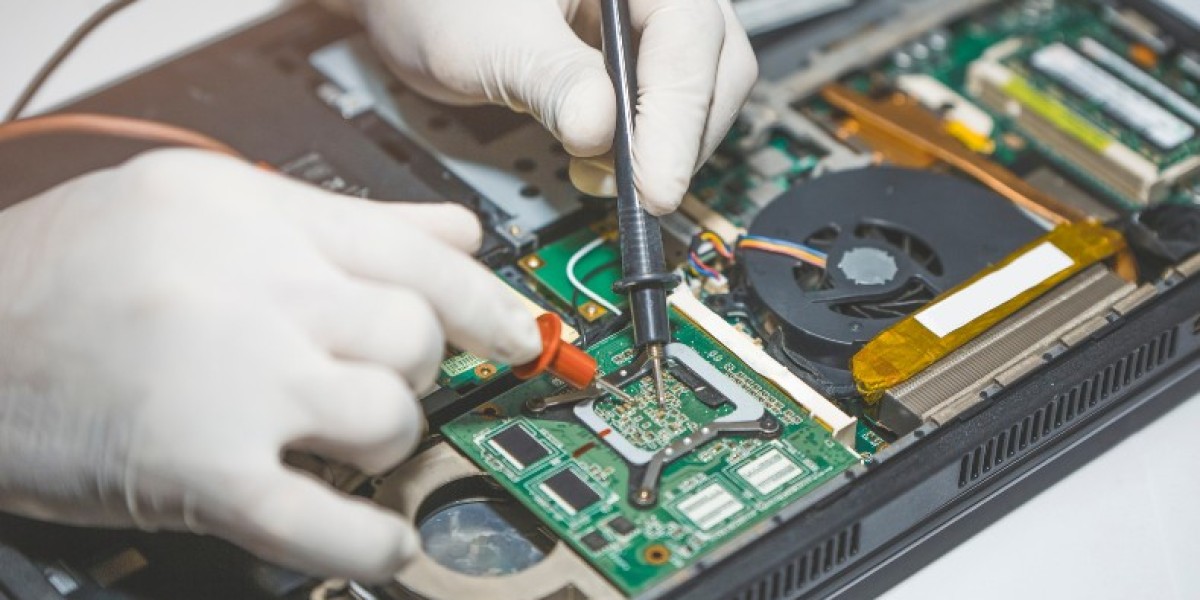

Few computer problems are as immediately alarming as pressing the power button and having nothing useful happen. Maybe the screen stays black, maybe you're stuck on a spinning logo that never progresses, or maybe your computer boots partway before shutting itself down again. Startup and boot issues have a way of feeling like a full-blown emergency, especially if you're not sure whether your files are still safe underneath it all. The reassuring news is that boot problems are one of the most common repair requests out there, and in the vast majority of cases, the issue is fixable and your data is recoverable.
Common Symptoms of Boot and Startup Failures
Boot problems show up in a few recognisable ways. Some computers get stuck on the manufacturer logo and never make it to the login screen, while others display an error message referencing a missing operating system or boot device. In more serious cases, the computer might power on with fans spinning and lights flashing, but the screen stays completely black with no signs of life whatsoever. Some machines will boot successfully but then freeze or crash within minutes, only to repeat the cycle every time you try again. Each of these patterns points toward a slightly different underlying cause, which is why an accurate diagnosis matters more than guessing your way through fixes.
What's Usually Behind a Failed Boot
Corrupted operating system files are one of the most frequent causes, often triggered by an interrupted software update, a sudden power loss during a write operation, or a forced shutdown at the wrong moment. Failing storage drives are another major factor, and this is particularly true for computers running on older hard drives that have simply worn out after years of use. When this happens, the drive may still spin up and attempt to read data, but errors during the boot process prevent the operating system from loading correctly. For those searching for computer repairs hawksburn residents often report exactly this scenario, an ageing hard drive nearing failure that finally gives out during what seems like a routine startup.
Hardware Causes Beyond the Drive
Storage isn't the only hardware component that can cause boot failures. A failing power supply may provide just enough power to spin up fans and lights without delivering the consistent voltage needed to actually boot the system. Loose or degraded RAM connections can prevent a computer from completing its startup checks, often producing a series of beeps rather than any visual output at all. Overheating components triggered by dust build-up can also cause a computer to shut down immediately after powering on as a built-in safety measure, which can look identical to a more serious hardware failure to the untrained eye.
Software and Firmware Related Boot Issues
Not every boot problem points to failing hardware. A corrupted BIOS or firmware update, a malware infection that's altered critical system files, or a botched software installation can all leave a computer unable to start properly even though every physical component is working fine. Multiple operating systems installed on the same drive can sometimes conflict with each other after an update, causing the boot loader to fail silently. These issues typically require specific repair tools and expertise to resolve safely without risking further data loss.
A Recent Customer Experience
★★★★★ Google Review — Michael Tran, Hawksburn VIC
"My desktop wouldn't get past the loading screen no matter how many times I restarted it, and I was panicking because it had years of personal photos and work files on it. I brought it into Same Day Computer Repairs not really knowing what to expect and they were incredibly reassuring from the start. Turns out the hard drive was failing and close to giving out completely. They managed to recover every single file before replacing the drive and getting the system running again, which honestly felt like a miracle given how stressed I was. The whole process took less than two days and they kept me updated throughout, which I really valued. My computer boots faster now than it ever did before. I can't recommend them enough for anyone dealing with a similar scare."
What to Do If Your Computer Won't Boot
If you're facing a boot failure right now, the most important thing is to avoid repeatedly forcing restarts, as this can sometimes worsen an already failing drive. Unplug any recently added external devices, since a faulty USB drive or peripheral can occasionally interfere with the boot process. If you hear unusual clicking or grinding noises coming from the computer, power it off immediately and avoid further attempts to start it, as this is often a sign of physical drive damage where every additional boot attempt risks further data loss.
Why Professional Diagnosis Matters
Boot problems sit at the intersection of hardware and software, which makes accurate diagnosis genuinely important rather than optional. Attempting a DIY fix without properly identifying the cause can sometimes make data recovery more difficult, particularly if the wrong repair tool is used on a drive that's already struggling. A proper diagnostic will determine whether you're dealing with a simple software repair, a failing drive that needs replacing, or a deeper hardware fault, and will prioritise recovering your files before any repair work begins wherever possible.
Conclusion
A computer that won't start is stressful, but it's rarely a hopeless situation, and most boot problems can be traced back to a specific, fixable cause once properly diagnosed. Whether the issue is a corrupted operating system, a failing hard drive, or a hardware fault elsewhere in the system, getting it assessed quickly gives you the best chance of a fast repair and full data recovery. If your computer is stuck on a loading screen or refusing to boot altogether, don't wait and risk making the problem worse. Same Day Computer Repairs offers same-day diagnostics for startup and boot issues, prioritising your data every step of the way so you can get back up and running with minimal disruption.