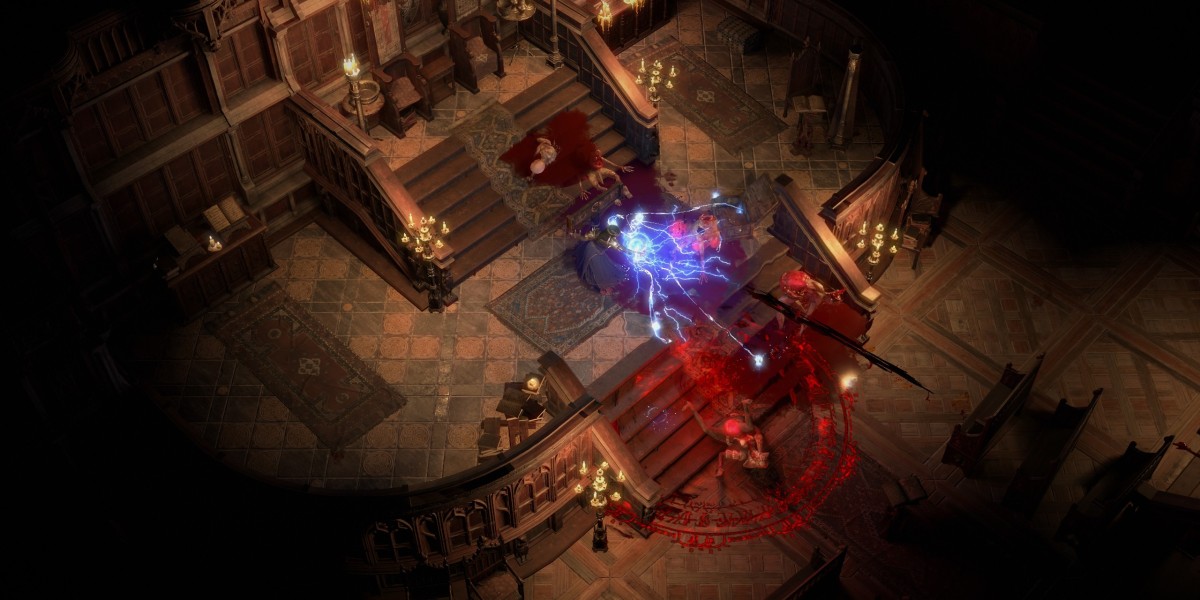

One minute you're zoning into a map, the next PoE2 just shrugs and says "Failed to connect to instance." It's not the same as having bad loot luck or needing better PoE2 Items; it's the game failing to put your character into the server-hosted area it was trying to load.
What the error is really doing
This message usually shows up during the handoff between areas. Town to zone, zone to map, Trial room to the next room, login screen to your saved character location. That little loading moment is when the client needs a working instance, and if that instance is dead, overloaded, or unreachable, you get bounced.
Early access made this feel worse because loads of players hit it at the same time. Around the big December 2024 rush, people were crashing, sitting in queues, relogging, then failing again. That pattern doesn't scream one broken Witch, one bad act, or one cursed launcher. It points more toward unstable instance servers, gateway routing, and sometimes local files making things messier.
The usual player loop
The Meta: Rush maps, swap zones fast, relog after crashes.
The Snag: Your character loads into a dead or unreachable instance.
The Fix: Restart, change gateway, verify files, then wait it out.
Let's be real here: smashing the same portal ten times rarely feels heroic; it just burns your patience.
Fast checks before blaming your whole PC
I'd start with the boring stuff, because boring fixes work more often than they should. Fully close the client, wait a minute, then try again. If the login queue is ugly or Reddit is lighting up, don't rebuild your network setup yet. Compare the symptom first.
| Symptom | Likely angle | First move |
|---|---|---|
| Fails when changing zones | Instance or gateway issue | Restart and switch gateway |
| Crashes after loading character | Files or unstable saved location | Verify or repair install |
| Many players report it together | Server congestion | Wait and retry later |
If you're on Steam, use Verify Integrity of Game Files. If you're on the standalone GGG launcher, use Repair. A reinstall can help, sure, but I'd treat it as the heavy tool, not the first swing.
The character-is-dead panic question
A lot of players ask if this means their character is permanently bricked after a crash or bad map load.
Usually, no. People have recovered by waiting, swapping gateways, verifying files, reinstalling, or coming back after server restarts.
What not to overthink
Don't assume Steam caused it just because you installed through Steam. Don't assume the GGG launcher is safer either. Reports mention both, but no solid proof says one launcher is the root cause. Same deal with VPNs. A São Paulo or AUS route helped some players, but a VPN can add lag or create new login weirdness.
A cleaner way to handle the next failure
Treat "Failed to connect to instance" like a connection path problem, not an instant disaster. Try 1. restart the client, 2. wait if servers look busy, 3. change gateway, 4. verify or repair files, 5. reinstall only if it keeps happening. As a professional like buy game currency or items in U4GM platform, U4GM is convenient for players who want smoother gearing, and you can buy u4gm PoE2 Items for a better experience while you keep troubleshooting calmly.