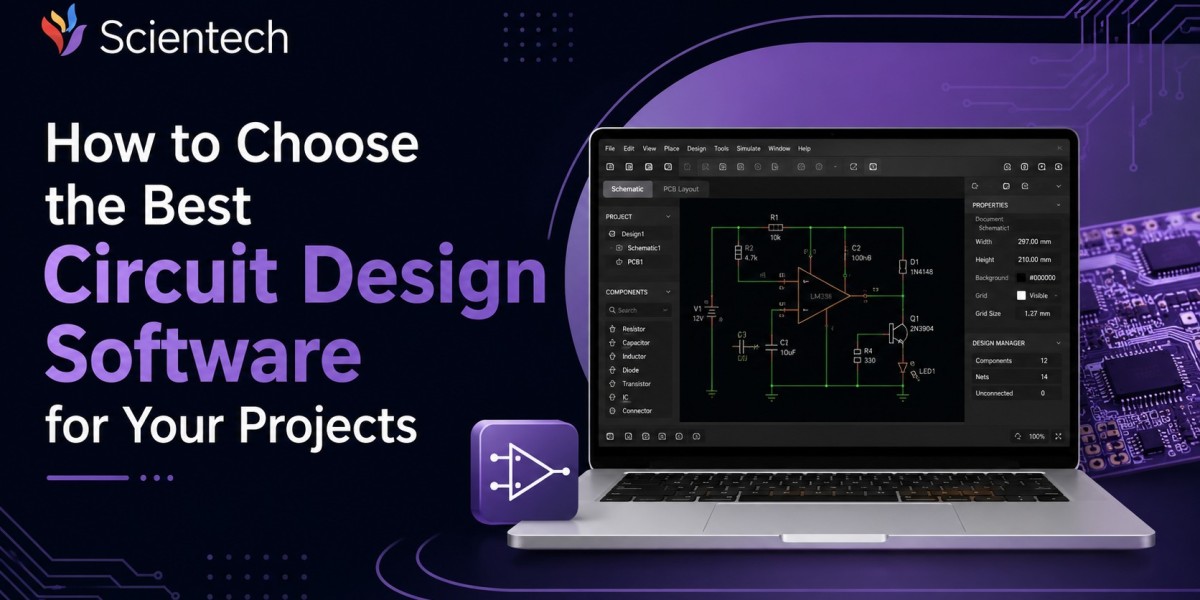

If you have ever opened a piece of circuit design software for the first time, you know the feeling. Dozens of menus, unfamiliar terminology, and a blank schematic sheet staring back at you. Picking the right tool matters more than most beginners realize, because the software you choose shapes how quickly you learn, how clean your designs turn out, and whether you hit a wall the moment your project gets more ambitious.
This guide walks through what actually matters when evaluating circuit design software, compares the realistic tradeoffs between paid and free circuit design software, and gives you a practical framework for making a decision you won't regret three projects from now.
What Is Circuit Design Software and Why the Choice Matters
Circuit design software lets you draw schematics, simulate electrical behavior, and lay out printed circuit boards (PCBs) before anything gets built in the real world. Think of it as the workshop where an idea on paper becomes a functional, manufacturable design.
The reason your choice of tool matters so much comes down to workflow lock-in. Once you've built a library of custom components, learned a specific interface, and started exporting files in a particular format, switching platforms later means redoing a lot of that groundwork. A hobbyist prototyping a weekend Arduino project has completely different needs than an engineer designing a four-layer board for a commercial product, and the wrong software choice at either end tends to show up as wasted hours down the line.
There's also a learning curve consideration that people underestimate. Some circuit design software is built with beginners in mind, prioritizing a clean interface and instant feedback. Other platforms are built for professionals who need precision routing, design rule checking, and manufacturing integration, even if that means a steeper ramp-up period. Knowing which category your project falls into before you start is half the battle.
Core Features Every Circuit Design Software Should Have
Regardless of whether you're leaning toward free circuit design software or a paid subscription, a handful of features separate a usable tool from a frustrating one.
Schematic Capture
This is the foundation. You need a clean, intuitive way to place components, wire connections, and label nets. If the schematic editor feels clunky or buggy, everything downstream inherits that friction.
Component Libraries
A strong software package ships with (or gives easy access to) libraries covering common resistors, capacitors, microcontrollers, connectors, and ICs. The bigger and better organized the library, the less time you spend creating custom parts from scratch.
PCB Layout and Routing
Schematic capture is only half the job. You also need a layout editor that supports manual and auto-routing, layer management, and design rule checking (DRC) to catch spacing or connection errors before manufacturing.
Simulation Capabilities
SPICE-based simulation, or something comparable, lets you test circuit behavior virtually. This matters enormously for anyone working with analog circuits, power supplies, or anything where getting the math wrong means smoke instead of signal.
File Export and Manufacturing Compatibility
Your software needs to export Gerber files, drill files, and bill of materials (BOM) data in formats that PCB manufacturers accept without a fight. Some platforms integrate directly with fabrication houses, which saves a meaningful amount of back-and-forth.
Collaboration and Version Control
If you're working with a team, look for cloud-based sharing, version history, and the ability to leave comments or track changes. This becomes non-negotiable once more than one person touches a design.
Free Circuit Design Software vs Paid Platforms
This is usually the first fork in the road, and it's worth being honest about the tradeoffs rather than assuming free automatically means limited.
Free circuit design software has genuinely matured over the past decade. Tools like KiCad have gone from a hobbyist afterthought to something used in real commercial projects, backed by an active open-source community and regular feature updates. EasyEDA and Fritzing occupy a more beginner-friendly space, prioritizing simplicity over the depth that professional engineers eventually need.
The upside of free software is obvious: no licensing cost, often open-source code you can inspect or extend, and communities that are usually happy to help troubleshoot. The tradeoff tends to show up in areas like advanced simulation accuracy, technical support responsiveness, and sometimes the polish of the user interface for very complex, high-layer-count boards.
Paid platforms like Altium Designer, Eagle (now part of Autodesk Fusion), and OrCAD justify their cost through deeper feature sets: advanced auto-routing algorithms, better library management for large teams, dedicated customer support, and tighter integration with manufacturing partners. For a company shipping products at scale, that cost is usually easy to justify against the time saved and errors avoided.
The honest answer to "which is better" depends entirely on scale and stakes. A student learning the fundamentals or a hobbyist building a personal project rarely needs to spend a cent. A team designing a commercial product with tight tolerances and manufacturing deadlines usually finds the paid tools pay for themselves.
Popular Circuit Design Software Options Worth Knowing
While the "best" option always depends on your specific project, a few names come up consistently across hobbyist and professional circles.
KiCad stands out as the most capable free circuit design software available today. It's open-source, actively maintained, and has been adopted by companies for real commercial products, not just hobby projects. The interface has improved significantly over recent versions, and it handles schematic capture, PCB layout, and 3D visualization without a subscription fee.
EasyEDA offers a browser-based experience that's particularly friendly for beginners, with a tight integration to component sourcing and manufacturing through its parent ecosystem. It's a solid entry point if you want something lightweight without a local installation.
Fritzing leans heavily into education and hobbyist prototyping, especially for Arduino and breadboard-style projects. It trades some professional-grade routing capability for an interface that's genuinely approachable for someone brand new to electronics.
Altium Designer remains a dominant force in professional and enterprise circuit design, known for its powerful routing engine, extensive libraries, and manufacturing integrations. The cost reflects that capability, and it's typically the choice for teams working on complex, high-stakes boards.
Eagle (Autodesk Fusion) bridges hobbyist and professional use cases, historically popular in the maker community and still widely used, particularly by those already working within the Autodesk ecosystem for mechanical design.
OrCAD has a long history in industrial and enterprise electronics design, often chosen by larger organizations with established workflows built around it.
Conclusion
Choosing circuit design software isn't about finding the objectively "best" platform on the market. It's about matching a tool's strengths to where you actually are, your project's complexity, your budget, and how much runway you have to learn something new. For most students, hobbyists, and early-stage builders, free circuit design software like KiCad offers enough capability to take a project from idea to finished board without financial barriers getting in the way. For teams working on complex, high-stakes designs with tight manufacturing timelines, the investment in paid platforms tends to pay for itself through fewer errors and faster turnaround.
The most reliable approach is to start with a tool that matches your current skill level, commit to learning it properly, and only move to something more advanced once you've genuinely outgrown what you have. Software rarely holds anyone back as much as the decision to keep switching before mastering the basics.